How to add a 3D model to a website
To add a 3D model to a website, export it as a .glb file and show it with a viewer that runs in the browser: Google’s free <model-viewer> takes one line of HTML, Spline gives you a link or a code snippet, and three.js lets you build a whole scene around it. Keep the file light — a few megabytes, not fifty — and keep the words of the page in the HTML, outside the 3D.
Updated
Below: which file to export, the four ways to show it from simplest to most work, how heavy it can be, and what changes for Google. If what you want is a whole page built around the model rather than a viewer in a box, that is an immersive website, and the last section is about that.
The file: glTF, and its one-file version, GLB
The web’s format for 3D is glTF, maintained by the Khronos Group — the same consortium behind WebGL — for transmitting and loading 3D scenes and models. It comes in two shapes: .gltf, a text file with its textures beside it, and .glb, the same thing packed into one binary file. For a website, use .glb: one file to upload, one request to load.
Blender exports it directly (File → Export → glTF 2.0), and so do most 3D tools. If your model is in another format — .obj, .fbx, .stl — open it in Blender and export it again as .glb. On iPhone, augmented reality uses Apple’s own format, USDZ; you’ll see below that you don’t always need to make it yourself.
Way 1: <model-viewer>, one line of HTML
Google’s <model-viewer> is a free, open-source web component built on three.js. You load its script and write a tag with your file: “<model-viewer src="product.glb" camera-controls auto-rotate ar>”. That gives you a model the visitor can turn with a finger or the mouse, that spins on its own while nobody touches it, and that opens in augmented reality on a phone.
For AR it tries, in order, WebXR, Google’s Scene Viewer on Android and Apple’s Quick Look on iPhone; for Quick Look it can make the USDZ from your GLB itself, or you give it one with “ios-src”. It also has “poster”, an image shown while the model loads, and “loading="lazy"”, so a model lower down the page only loads when it gets close.
It’s the right choice for a product page with an object to inspect. It’s also what Shopify uses to show 3D models (GLB or USDZ) in the themes that support them. What it isn’t made for is a scene: a camera that travels with the scroll, light that changes, several objects that move.
Way 2: Spline, if you design the model there
Spline is a 3D design tool that runs in the browser. Its documentation lists three ways to take a scene to a website: a public URL you can embed, the Spline Viewer, and code — for plain JavaScript, three.js, React or Next.js. Animations and events you set up in Spline come along.
It’s the fastest way if you are designing the scene from scratch and like to work visually. Check the weight before publishing: a Spline scene loads its runtime as well as the model, and how the page behaves on a mid-range phone is what decides whether it stays.
Way 3: three.js, for a scene of your own
three.js is the free library most 3D websites are built with. Its GLTFLoader reads your .glb, and from there you decide everything: where the camera is, how the light falls, what moves when the visitor scrolls. That freedom is the work — a viewer is an afternoon; a scene that holds up on phones, with text Google can read, is weeks. Making a 3D website yourself goes through what that involves.
How heavy the model can be
There’s no single limit, but there are hard ones: Cloudflare Pages, for instance, doesn’t serve a single file over 25 MiB. Long before that, a heavy model is a page that stays blank on a phone with weak signal.
Three things make the most difference. Fewer polygons: a model for print or rendering often has far more than a screen can show. Smaller textures: 2048 pixels is often enough, and 4096 rarely needed. Compression: glTF Transform compresses the geometry with Draco or meshopt and the textures too, and three.js and <model-viewer> can read the result. Test on a real mid-range phone, not on your computer.
What Google sees
Google doesn’t index what is drawn inside a canvas, and a 3D model is drawn inside a canvas. The product’s name, its description, its price and the button have to be ordinary HTML next to the model, not words written on it. Give the viewer a text alternative too — <model-viewer> takes an “alt” — and a poster image, so the page reads well before the 3D arrives. Speed, SEO and 3D has the rest.
Way 4: a page built around the model
A viewer puts the model in a box. Some products deserve the whole page: the object stays on screen while the scroll tells its story, lifts into the dark, comes apart into its pieces, changes colour. That is what the Product kit is, and you can open its demo on your phone.
In the wizard you upload your own .glb, up to 25 MB, and see your site with it before paying. The scene finds the moving parts by their names in the file, reads models compressed with Draco or meshopt, and if yours won’t load the demo’s glass flask stands in, engraved with your product’s name, so the page is never empty. It costs €500, paid once. If what you want doesn’t fit a kit, a custom 3D website starts at €750.
Product
An immersive website for one product, shot like a film.
Open the live demoForest
An immersive website for a place, told as one day there — with your own photos, in 3D.
Open the live demoApp
An immersive website for an app, told through its own screens.
Open the live demoStudio
An immersive website for a studio, shown as an exhibition of its work.
Open the live demoHome
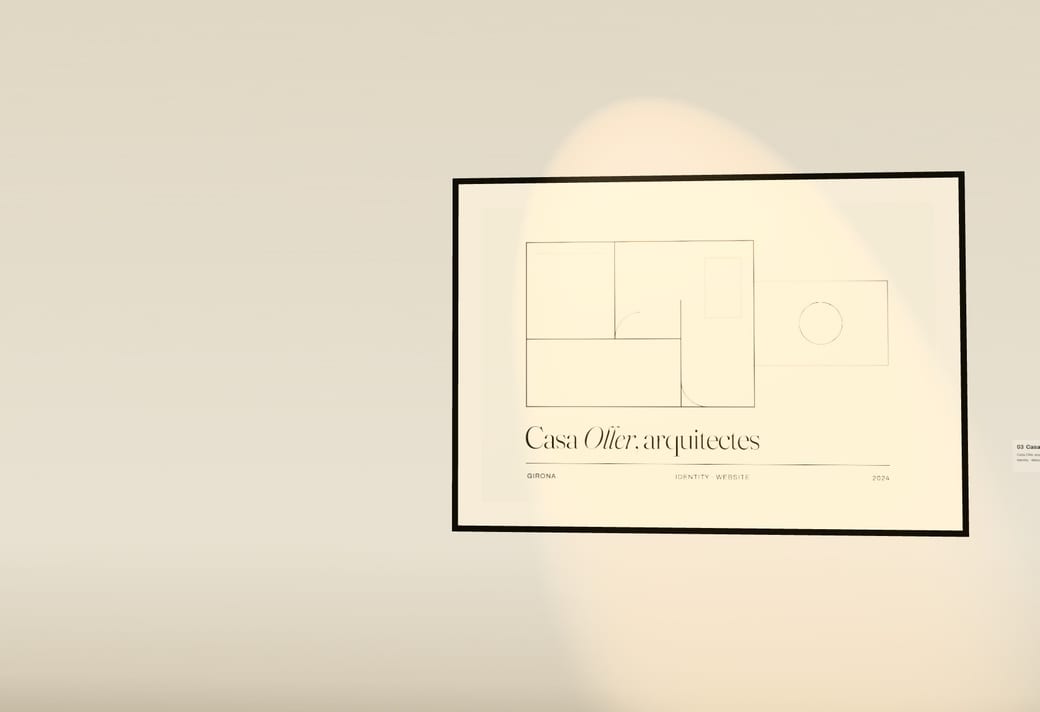
An immersive website for one home for sale, built from its plan.
Open the live demoWedding
Your wedding invitation, as a website every guest opens.
Open the live demoMusic
A website for a release that plays it — and the song moves the scene.
Open the live demoFashion
A website for a fashion collection, its photos printed on cloth that moves.
Open the live demoEvent
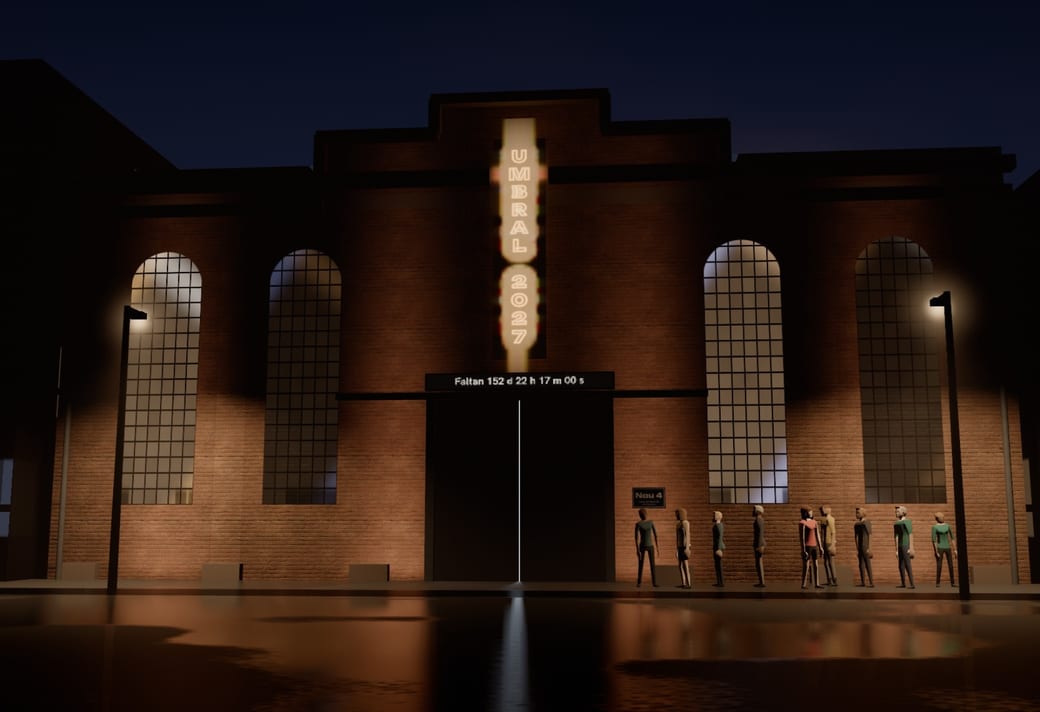
A website for an event, its day lived on its own LED wall.
Open the live demo







Questions
- What format should a 3D model be for a website?
- glTF, as a single .glb file. It’s the format browsers’ 3D libraries are built to load. For augmented reality on iPhone you also need USDZ, which <model-viewer> can make from the GLB.
- Can I add a 3D model to my website for free?
- Yes. <model-viewer> and three.js are free and open source, and Blender, to export the model, is free too. What costs is the time: the model itself, and making the page hold up on phones. A 3D website for free goes through the options.
- How do I embed a 3D model in HTML?
- Load the <model-viewer> script and write “<model-viewer src="model.glb" camera-controls alt="what it is">”. The file has to be on your own site or on a server that allows it to be loaded from yours.
- Does a 3D model slow down my website?
- It can. Compress it, keep the textures modest, give it a poster image and load it lazily if it’s below the first screen. The text of the page should never wait for the model.
- Can visitors see the model in augmented reality?
- On supported phones, yes: <model-viewer> with the “ar” attribute opens Scene Viewer on Android and Quick Look on iPhone, placing the object in the room through the camera. Its own FAQ says AR doesn’t work everywhere, so treat it as an extra.