Interactive 3D websites: what they can answer to, with examples
An interactive 3D website is a page whose scene answers to what the visitor does: the scroll moves the camera, the cursor tilts the light, a finger pushes a cloth, a name typed in appears in the scene. Almost every website is interactive in the plain sense — links, buttons, forms —; in a 3D one, the picture itself responds.
Updated
Below, the kinds of interaction a 3D page can answer to, each with a live demo you can open on a computer or a phone, and then the limits: what goes wrong on touch screens, with sound, and for search engines.
The scroll, as a camera
The most common interaction, and the one every visitor makes without being asked: scrolling. In an interactive 3D page the scroll bar becomes a timeline, and each part of the page is a shot — the camera moves in, round or through the scene as you go down.
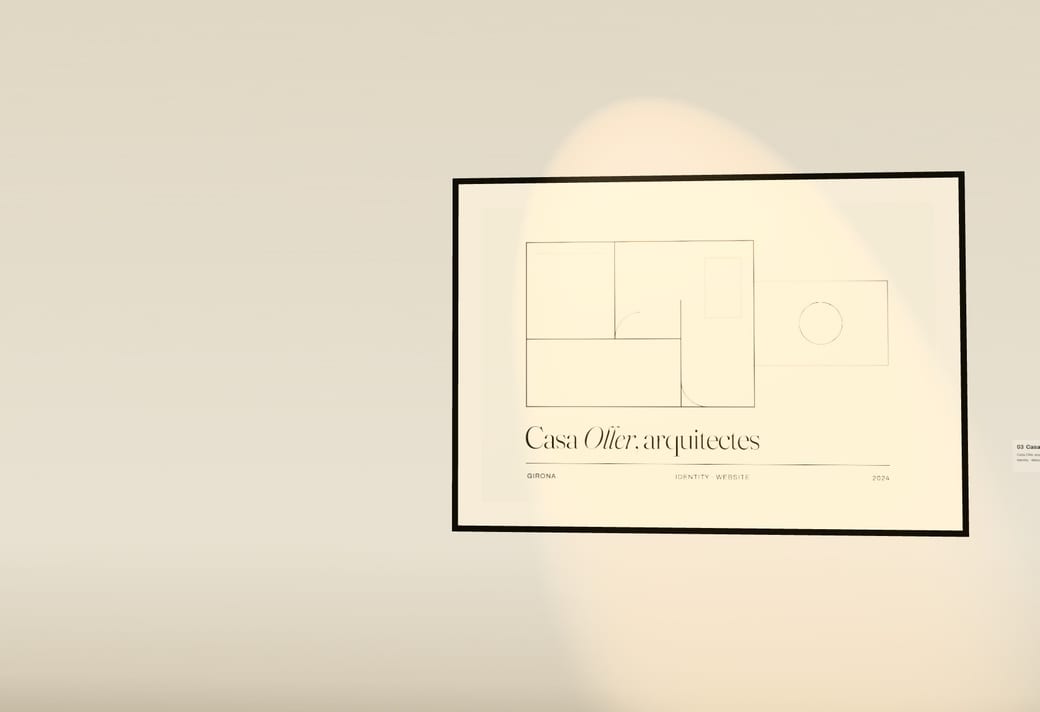
Open Studio, where the scroll walks you through a white gallery past each framed project, or Casa, where it builds a home from its floor plan and goes room by room. Keep the browser’s own scrolling: in NN/g’s usability tests of scrolljacking — pages that change the pace or direction of scrolling — most participants were at least mildly disoriented, and it was worse on phones.
The cursor, as light and depth
A scene that follows the pointer feels alive before the visitor has done anything on purpose: the camera leans a little, the light moves, the reflections slide. In most of Promti’s kits the scene follows the pointer, and in several that effect stops when the visitor has asked their system for reduced motion.
On a phone there’s no cursor. MDN notes that many touch screens can’t hover at all, so anything that only happens on hover never happens there. In some kits — Casa and Música — the pointer effect is switched off on phones, where the scroll does the work.
Touch: something to push
The strongest moment is when the scene gives way to you. In Moda, each look hangs as its own cloth that breathes in a slow wind and yields under the cursor, or under a finger on a phone. Browsers handle the mouse, a pen and a finger as one kind of input — pointer events — so the same effect can work on both.
Keep it a reward, not a gate: the prices, the pieces and the button have to work without anyone touching the cloth.
A tap that opens something
A single tap can be the whole story. Boda is a wedding invitation as a website: a letter on a linen tablecloth with the guest’s name written by hand, sealed in wax. A tap or a click breaks the seal and the card comes out, with the days left. Each guest gets their own link, with their own name on the envelope.
Your name, in the scene
Typing is interaction too. On every kit’s page there’s a field for your name: type it and the page takes it, and when you continue you see it in your own 3D site, before paying anything. It’s the quickest way to see whether a scene works with your words instead of the demo’s.
Sound and time
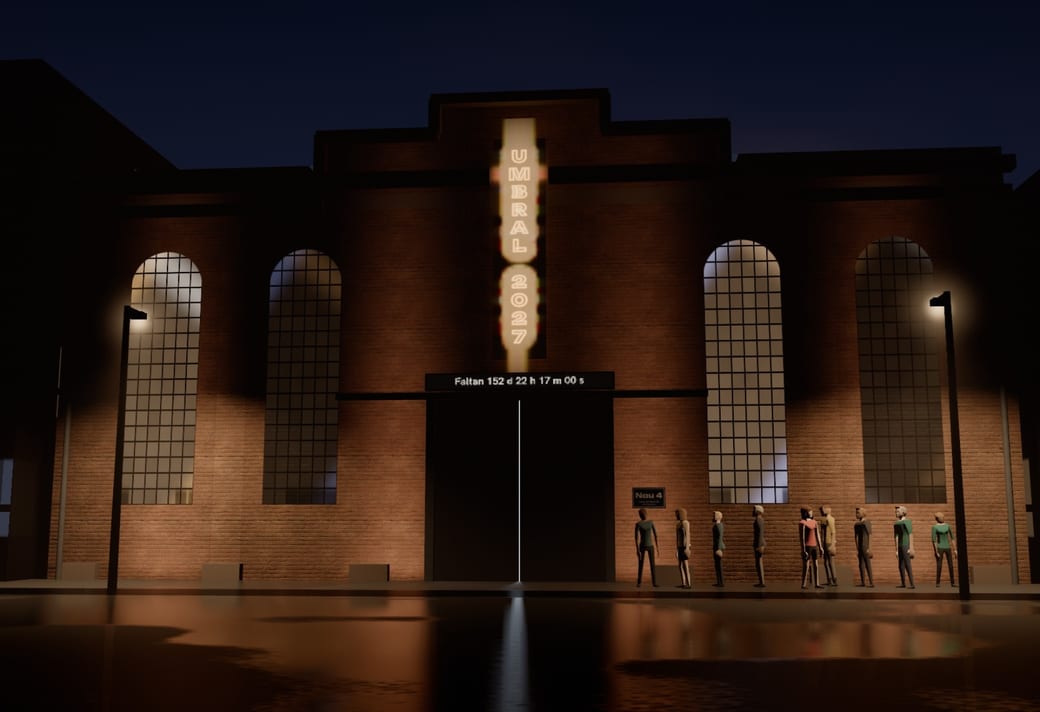
A scene can answer to things the visitor doesn’t do by hand. In Música, the cover, made of light, moves with what is actually playing: the kick makes it breathe and the highs make it flash, read from the track itself in the browser. In Evento, the countdown runs live on the sign above the door, and once the date has passed the page thanks visitors instead of selling tickets.
Sound has a rule of its own: browsers don’t let a page play sound before the visitor has interacted with it. Chrome’s autoplay policy allows sound once the user has clicked or tapped on the site, so music should start with a gesture and always have a visible off switch.
What to keep out of the interaction
The words. Google Search doesn’t scroll or click, it says, so content that only appears after an interaction may never be seen. Headings, prices and buttons belong in the HTML from the start; the interaction can bring them on screen, not create them.
Slowness. Google measures how long a page takes to respond to a click, a tap or a key press — Interaction to Next Paint — and web.dev counts 200 milliseconds or less as good. A heavy scene that redraws everything on each touch is where that gets lost.
Motion nobody asked for. The W3C’s accessibility guidance lists dizziness, nausea and headaches among the reactions of people with vestibular disorders to motion triggered by interaction; the operating system’s reduced-motion setting should calm the scene down. NN/g also found that scroll-triggered text animations, misused, slow reading down. When the interaction is the point, as in an immersive website, keep everything around it plain.
Open them on your phone
Every one of these is a live page, not a video. They’re Promti’s kits — interactive 3D sites, each made for one kind of business — so yours would carry your words, your colours and your photos or your model. More examples, sorted by what the 3D does, are in 3D website examples.
Product
An immersive website for one product, shot like a film.
Open the live demoForest
An immersive website for a place, told as one day there — with your own photos, in 3D.
Open the live demoApp
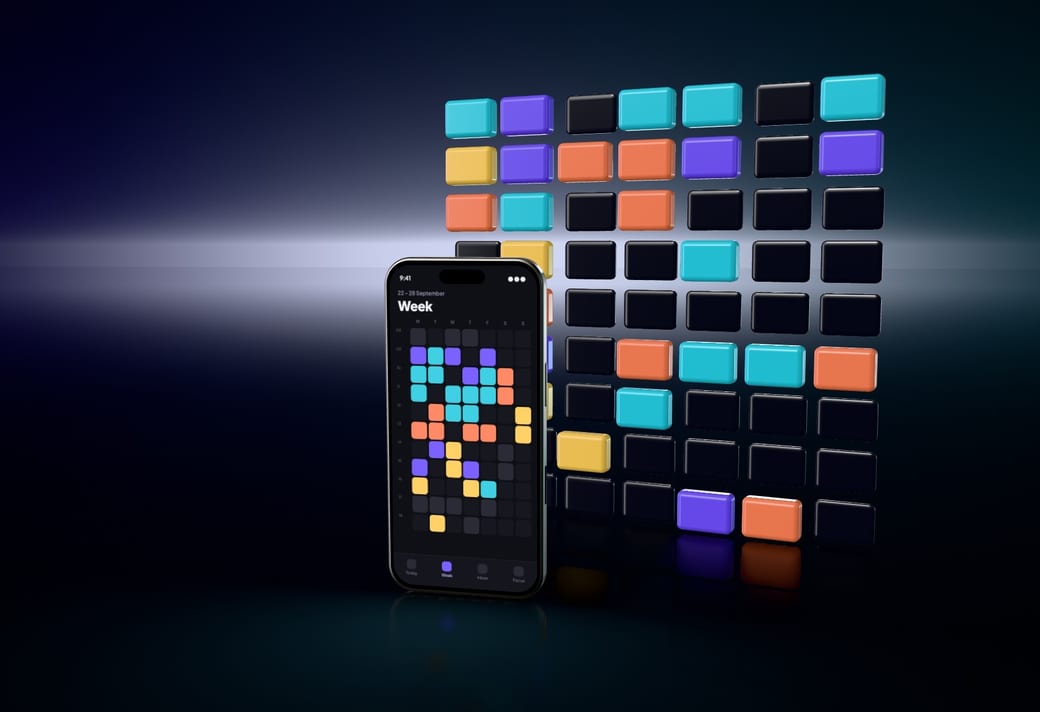
An immersive website for an app, told through its own screens.
Open the live demoStudio
An immersive website for a studio, shown as an exhibition of its work.
Open the live demoHome
An immersive website for one home for sale, built from its plan.
Open the live demoWedding
Your wedding invitation, as a website every guest opens.
Open the live demoMusic
A website for a release that plays it — and the song moves the scene.
Open the live demoFashion
A website for a fashion collection, its photos printed on cloth that moves.
Open the live demoEvent
A website for an event, its day lived on its own LED wall.
Open the live demo






Questions
- What is an interactive website?
- A website that responds to what the visitor does — scrolling, moving the pointer, touching, typing — beyond following a link. In an interactive 3D website, the scene itself responds: the camera moves with the scroll, the light with the cursor, an object under a finger.
- What’s the difference between an interactive website and an immersive one?
- Interactive says the page responds to you; immersive says you move through it rather than read it. Most immersive websites are interactive, and the scroll is their main interaction. What an immersive website is goes into the second.
- Do interactive 3D websites work on phones?
- If they’re built for touch: there’s no hover on most touch screens, so effects tied to the cursor need a touch version or none, and the scroll should stay the browser’s own. Every demo on this page opens on a phone.
- Are interactive 3D websites bad for SEO?
- Not if the words are in the HTML from the start. Google doesn’t scroll or click, and doesn’t index what’s drawn in a canvas, so text that only exists inside the scene, or only after an interaction, is invisible to it. Speed, SEO and 3D has the rest.
- How much does an interactive 3D website cost?
- A Promti kit costs €500, paid once, with its interactions already built and tested on phones. A custom one starts at €750, and what a 3D website costs compares agencies, freelancers and builders.